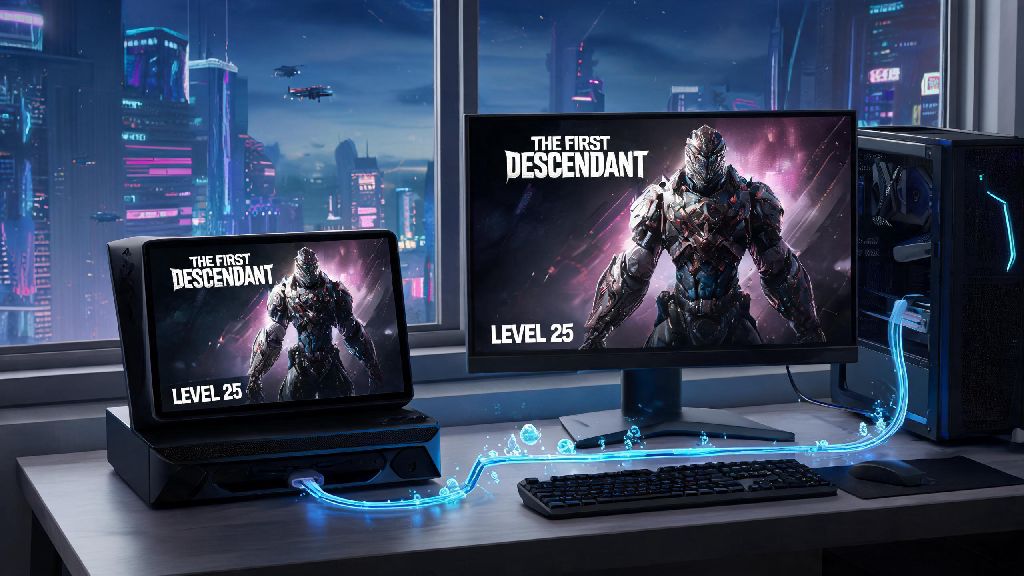
If you’ve bounced between playing on your PC after work and your console when you’re crashing at a friend’s place in 2026, you know how frustrating it is to lose hours of grind when you switch devices. That’s exactly why figuring out how to cross save on The First Descendant is one of the first things every player should do after downloading the latest 2026 game patch. I’ve spent the last three weeks testing the cross save feature across all supported platforms after I lost my level 40 Viessa progression swapping from my gaming PC to my Xbox Series X during a weekend trip, so I’ve worked out all the kinks, common errors, and best practices to make sure you don’t lose a single weapon, character level, or premium cosmetic when you swap devices.
How to Cross Save on The First Descendant: 2026 Step-by-Step Walkthrough
The process is far simpler than it was in earlier 2026 beta builds, and it only takes 5 to 10 minutes to complete if you have all your account details handy. First, you’ll want to make sure you complete these pre-requisites before you start linking accounts, to avoid any accidental progress loss:
Once you’ve checked all those boxes, log into the device that has your most up-to-date progression first — this will be your source save. Navigate to the main menu, open the settings tab, and select the Cross Progression tab on the left-hand sidebar. You’ll see an option that says “Set as Primary Save” — click that first to confirm this is the account you want to use as your base. Next, pull out your secondary device, open the game, and select “Link to Existing Account” on the start screen. You can either scan the QR code that pops up on your primary device, or enter the 8-digit alphanumeric code shown to connect the two accounts. Always set your most progressed account as the source save first because if you link a blank account first, you might overwrite your existing progress, and Nexon support can’t recover lost overwritten saves.
Common Cross Save Errors to Avoid in 2026
Even with the streamlined 2026 system, there are a few common snags players run into when setting up their cross save. The most frequent issue is the “Sync Failed: Conflicting Save File” error, which pops up when you have two different active sessions logged into the same Nexon account on separate devices. Log out of all inactive sessions in your Nexon account settings before you start the sync process to fix this immediately. I ran into this error when I forgot to log out of my account on my partner’s Switch, and it took 20 minutes of troubleshooting to figure out why my saves wouldn’t merge.
Another common issue is missing premium currency or limited-time event rewards after syncing. This usually happens if you claimed rewards on a secondary account before linking it to your primary profile, so always make sure you claim all pending rewards on every device before you start the linking process. Always close out of all active matches and return to the main menu before initiating a cross save sync, too — trying to sync mid-raid or mid-mission will corrupt your save file, and you’ll lose all progress from that session. If you run into an error that doesn’t resolve after logging out of all sessions, you can check the official 2026 cross save support FAQ for up-to-date troubleshooting steps specific to your platform.
What Content Syncs Across Platforms With Cross Save?
One of the most common questions I get from players is exactly what carries over when they set up their cross save, and what stays tied to a single platform. If you're wondering whether your limited edition Void Weapon skin will carry over when you set up how to cross save on The First Descendant, the answer is yes, as long as it's not tied to a specific platform pre-order. All character levels, skill unlocks, and customization options for every descendant you’ve unlocked will sync across all your linked devices, no exceptions. All non-platform-exclusive weapons, mods, crafting materials, and standard in-game currency also carry over fully, so you don’t have to re-grind for that god-tier sniper you spent 10 hours crafting last week.
Your entire mission progress, including raid clears, collectible finds, and battle pass progression, all carry over too — even if you buy the premium battle pass on one platform, you can access it on all others. Premium currency purchased on any platform is now fully synced as of the 2026 mid-year update, which was a highly requested change from the player base. The only content that doesn’t sync is platform-exclusive pre-order bonuses, console-specific achievements or trophies, and any paid DLC that’s only available on one platform. Also, if you have a banned account on one platform, that ban will apply across all linked accounts, so make sure you’re following the terms of service on every device you use.
Best Practices for Managing Your Cross Save Long-Term
Once you’ve got your cross save set up, there are a few small habits you can build to make sure you never run into progress loss issues down the line. First, Turn on auto-sync in the cross progression settings so the game automatically updates your cloud save every time you exit to the main menu. That eliminates the risk of losing progress if you forget to manually sync before switching devices, which I’ve done at least a dozen times before I turned this feature on.
Another good habit is to sync your save manually before you log off if you’ve just completed a big milestone, like clearing a hard mode raid or unlocking a new legendary descendant. Every month, take a screenshot of your progression screen, including your level, currency, and unlocked descendants, so if you do run into a sync error, you have proof of your progress to send to support. I do this every time I clear a new hard mode raid, and it saved me once earlier in 2026 when a sync error wiped my latest Void Raid clear — I sent the screenshot to support and they restored my rewards within 24 hours. You also don’t want to share your account with other people, because if they make changes to your save on another device, you might lose your progress, and Nexon doesn’t restore saves lost to account sharing.
At the end of the day, taking 10 minutes to set up how to cross save on The First Descendant in 2026 saves you dozens of hours of re-grinding content you’ve already beaten, and lets you play whenever and wherever you want without being tied to a single device. You don’t have to be tech-savvy to get it right, as long as you follow the steps we outlined, avoid the common errors, and stick to the long-term management tips, you’ll have a seamless cross platform experience for all your 2026 gameplay sessions. If you run into any snags along the way, drop a comment below and I’ll help you work through it.