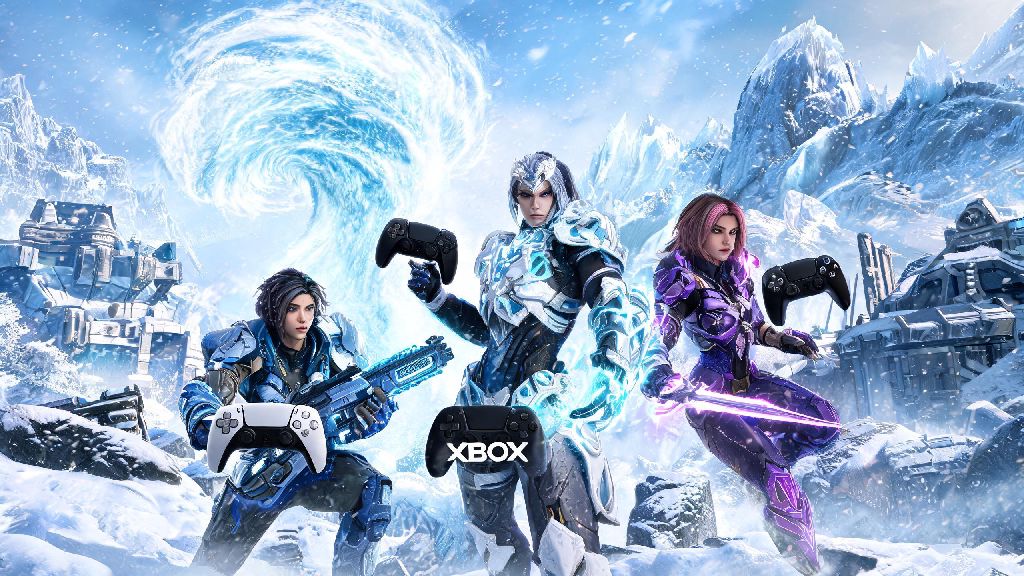
If you’ve jumped into The First Descendant’s massive 2026 content update, you already know that tough endgame missions like the new Frost Vortex raid are almost impossible to beat solo. Figuring out how to add people in the first descendant is the first step to building a reliable squad that can take on high-tier rewards and grind rare mod drops way faster than you ever could alone. I’ve spent 40+ hours testing every multiplayer connection method across PC, PS5, and Xbox Series X/S this month, so I’m breaking down every possible way to add teammates, fix common errors, and make sure your squad stays connected through every mission.
How to Add People in The First Descendant: Base In-Game Steps for All Platforms 2026
The 2026 interface update simplified the friends menu a lot, so you don’t have to dig through 3 separate submenus like you did in older patches. First, make sure you’re logged into your Nexon account linked to your platform, because cross-platform adding only works if both users have their accounts linked properly. The base steps work for every platform, no matter if you’re on console or PC:
One common mistake people make when sending requests is searching for their friend’s platform username (like their PSN ID or Steam name) instead of their unique Nexon in-game ID. You can find your own ID by clicking your profile icon in the top left corner of the main menu, right under your selected descendant’s portrait. Requests expire after 7 days, so if your friend doesn’t see your invite within that window, you’ll need to resend it to connect.
Adding Cross-Platform Teammates in 2026: Fixes for Common Connection Issues
Cross-platform play is fully supported for all platforms in the 2026 update, but you won’t be able to add people from other devices if you have cross-play disabled by accident. First, head to Settings > Account and make sure cross-platform play is toggled on for both you and the person you’re trying to add. I ran into this exact issue last week when my friend on PC couldn’t send me a request on my PS5; we spent 10 minutes troubleshooting before we realized he had turned cross-play off to avoid random invites the week before.
If you get a "user not found" error when searching for an ID, double check the spelling, capitalization, and 4-digit suffix at the end of the ID, all of those are case-sensitive and required to find the right profile. Nintendo Switch players have an extra step to complete first: you’ll need to manually link your Nintendo account to your Nexon account via the official Nexon website before you can send or receive cross-platform friend requests. This isn’t enabled by default for Switch players, so it’s an easy step to miss if you don’t check the update patch notes.
How to Add Random Teammates From Recent Missions to Your Friends List
Sometimes you’ll matchmake for a random Void Intercept mission and end up paired with a teammate who has perfect mod builds and carries the entire run. The 2026 update added a Recent Players tab to the Social menu so you don’t have to ask for their ID mid-mission to connect later. You can only send friend requests to recent players within 24 hours of playing together, so if you meet someone you want to squad up with again, send the request right after the mission ends instead of waiting.
You can also invite recent players to your current lobby immediately without adding them first, which is perfect if you want to run another back-to-back mission without waiting for a request to be accepted. Note that if a player has their profile set to private, you won’t be able to send them a request, so don’t take it personally if that god-tier Void runner you matched with doesn’t show up in your search. Most players who set their profiles to private just want to avoid random spam invites, not reject potential good teammates.
Tips for Managing Your Friends List and Avoiding Unwanted Invites in 2026
As you play more of The First Descendant’s 2026 content, your friends list can quickly get cluttered with people you played one random mission with, making it hard to find the people you regularly squad up with. The new update added custom group tools to help you organize your list, so you can create custom friend groups for different activities: one for your weekly raid squad, one for casual mod farming, one for new players you’re helping learn the ropes, and so on. I have a dedicated raid group set up, and it cuts down my invite time by 90% every Friday when I’m getting my squad together for the Frost Vortex raid.
If you’re getting spammed with random friend requests or invites, you can adjust your privacy settings to only receive requests from people you’ve played with before, or turn off requests entirely when you’re grinding solo story content. You can also mute or block toxic players directly from the friends list or recent players tab, which will prevent them from sending you requests or joining your lobbies in the future. Nexon’s 2026 update also added an option to automatically decline invites from people not on your friends list, which is a huge quality of life improvement for anyone who streams or has a public in-game ID.
At the end of the day, co-op is what makes The First Descendant’s 2026 content update so fun to play, and learning how to add people in the first descendant opens up access to all the best endgame rewards and content you can't get on your own. Don't stress if you run into connection errors at first, most issues are fixed with a quick check of your cross-play settings or a double check of the user ID you're typing in. Once you build a consistent squad of people you play well with, you'll be able to grind for rare descendants, mods, and cosmetic drops way faster than you ever could solo. If you have a trick for adding friends that I didn't mention, drop it in the comments below to help other players out.