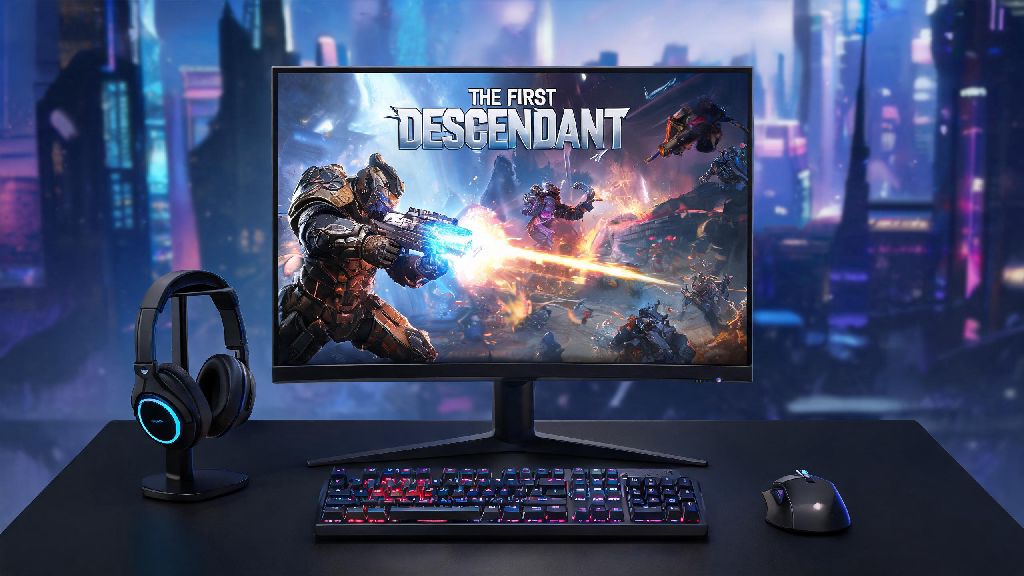
If you’ve been curious about Nexon’s fast-paced free-to-play looter shooter, you’re probably looking for clear, no-fluff info on how to play The First Descendant on PC. I’ve put over 80 hours into the game since its full launch, fumbled through messy control setups, bad performance drops, and missed loot opportunities when I first started, so I put together this guide to help you skip all those frustrating missteps. We’ll cover everything from initial setup to core gameplay loops, so you can jump straight into having fun instead of troubleshooting mid-mission.
How to Play The First Descendant on PC: Initial Setup & Installation
The game is available for free on both Steam and the official Nexon launcher, and both versions work exactly the same, so pick whichever platform you prefer for game management. Always download the launcher directly from official sources to avoid malware or modified game files that can get you banned from online play. The initial download is roughly 45GB, but you’ll want extra space for future content updates, which usually add 5-10GB each every few months.
Before you start installation, run through these quick pre-checks to avoid issues later:
Once installed, you’ll need to create or link a Nexon account to play. Crossplay is enabled by default, but you can turn it off in settings if you only want to match with other PC players. You don’t need to pay for any content to access the full core game, all characters and missions are unlockable for free, and the in-game shop only sells cosmetic items and convenience-focused battle passes. If you get a login error on your first launch, restarting your router usually fixes it, as the game has occasional server handshake issues for new players.
Optimizing PC Controls & Performance for Smooth Gameplay
The default control scheme for PC is pretty clunky for new players, so you’ll want to spend 5 minutes adjusting it before you jump into your first mission. I recommend remapping your four character abilities to Q, E, R, and T instead of the default F1-F4 keys, which are much easier to reach during fast, chaotic fights. Turn off "mouse acceleration" in the game settings first, it’s enabled by default and makes aiming feel floaty, especially for players used to other FPS or looter shooter titles.
For performance, if you’re running a mid-tier PC (16GB RAM, GTX 1660 or equivalent GPU), set texture quality to high, shadow quality to medium, and turn off motion blur and depth of field. This setup will get you a steady 60FPS at 1080p with almost no noticeable visual downgrade. If you have a higher-end rig, you can turn on DLSS or FSR 3 to hit 120+ FPS at 4K, which makes boss fights feel far more responsive and enjoyable.
If you experience sudden frame drops during large open-world boss fights, lower the "particle effect quality" setting, this fixes the issue 90% of the time. These fights have dozens of overlapping explosive and ability effects that tax even high-end GPUs, and lowering this setting barely changes how the game looks. Full controller support is available if you prefer that playstyle, but keyboard and mouse will give you a noticeable advantage for precise long-range aiming, especially when fighting fast-moving boss weak points.
Core Gameplay Mechanics You Need to Master First
The core loop of The First Descendant is pretty straightforward: run missions to collect better gear, upgrade your character, and take on harder missions for rarer rewards. Each playable character (called a Descendant) fits into one of three roles: tank, DPS, or support, so pick one that matches your preferred playstyle first instead of jumping between characters constantly. Don’t waste your upgrade materials on low-rarity gear, you’ll get far better blue, purple, and orange gear within your first 10 hours of play, so save materials for gear that’s Rare rank or higher.
Each Descendant has four unique skills that you can combo with teammates for massive bonus effects. For example, if a support character freezes a group of enemies, all DPS players on the team deal 2x critical damage to those frozen targets, so coordinating with your team makes even the hardest missions trivial. Don’t sleep on the grappling hook either, it’s not just for traversal. You can use it to yank yourself out of dangerous boss attacks, or even pull small, high-priority enemies straight towards you for fast close-range takedowns.
Loot tiers follow the standard looter shooter format: white (common), green (uncommon), blue (rare), purple (epic), orange (legendary). Legendary gear has unique, build-defining perks that can completely change how your character plays, so always check the stats of any legendary drops before you dismantle them. You can also mod most gear to adjust its stats to fit your build, so you don’t have to grind for a perfect drop right away.
Beginner Tips to Progress Fast Without Wasting Time
Don’t try to unlock every Descendant at once. Pick one main character, level them to max first, and you’ll be able to clear character unlock missions for other Descendants in half the time it would take with a low-level character. Join public co-op missions for boss fights, even if you prefer playing solo. Boss fights are designed for 3-4 players, and you’ll get far better loot rewards when you play with a team, plus you’ll finish the fight in a fraction of the time it would take to solo it.
Log in daily to complete the short daily missions, they give you bonus gold and rare upgrade materials you can’t get from regular missions, and most only take 5-10 minutes to finish. If you get stuck on a story mission, don’t grind it over and over until you burn out. Go run a few side missions or open-world events to get better gear first, that extra 10-15 points of attack or defense will make the hard mission feel trivial.
Don’t hoard low-rarity gear in your inventory, it takes up space and you’ll never use it once you get higher rarity drops. Dismantle any unused gear to get upgrade materials, it’s far more valuable than holding onto a green gun you used for your first three missions. You can also sell extra materials you don’t need for gold, which you’ll need a lot of when you start modding high-end legendary gear.
At the end of the day, learning how to play The First Descendant on PC is all about getting the setup right first, then taking time to learn what playstyle works best for you. You don’t need to spend any money to have a great time, and the game’s regular content updates mean there’s always new missions, characters, and gear to unlock. If you run into issues at first, don’t get frustrated – even the most experienced players had to fumble through their first few boss fights. Once you get the hang of the controls and core loop, you’ll quickly see why it’s become one of the most popular free-to-play looter shooters on PC right now.