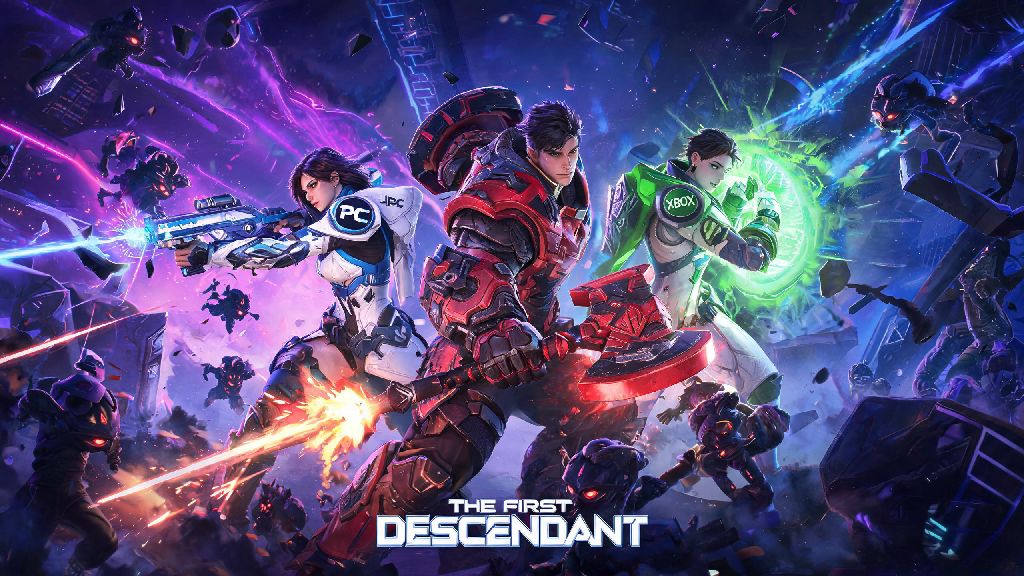
If you’ve ever jumped into a high-difficulty Void Intercept battle in The First Descendant alone, you know how quickly things can go off the rails. Even the most well-built Viessa or Ajax can get overrun by waves of enemies without backup, which is why figuring out how to party up in The First Descendant is one of the first skills you should master after finishing the tutorial. I’ve spent dozens of hours testing crossplay lobbies, fixing invite bugs, and running endgame content with friends across PC, PlayStation, and Xbox, so I’ve broken down every step you need to get your squad up and running without the usual frustration. You don’t have to waste 20 minutes clicking through broken menus next time you want to run a raid with your crew.
Step-by-Step: How to Party Up in The First Descendant Across All Platforms
The process works almost identically across every platform, with only small differences for crossplay users. First, make sure you’ve completed the opening tutorial and reached the main lobby – you can’t send or accept invites until you’ve unlocked the social menu. From the main lobby, click the small two-person icon on the top right of your screen to open the social tab. You’ll see three sections: your in-game friends list, your platform-specific friends list, and recent players you’ve matched with in random lobbies.
To invite someone to your squad, just click their name and select “Send Squad Invite.” If you’re playing with someone on a different platform, you’ll need to add their Nexon ID first, not just their platform gamertag. Your Nexon ID is different from your platform gamertag, so make sure you share the correct one with friends if you're playing crossplay. You can find your own Nexon ID in the account settings tab of the main menu. As the squad leader, you can toggle the lobby between public, friends only, and private to control who can join. If you’re joining a friend’s squad, you’ll get a pop-up notification in the top right of your screen that you can click to accept the invite instantly.
Fixing Common Party Up Errors That Ruin Your Play Session
Even if you follow every step correctly, you’ll probably run into a few common glitches, especially when playing crossplay. The most frequent issue is invites not appearing for your friends, even when you swear you sent them. 90% of the time, this happens because one person in the group has crossplay disabled in their settings. It’s turned on by default, but a lot of players toggle it off when they’re grinding solo to avoid random invites. Always confirm that crossplay is enabled for everyone in your group before sending invites to skip this headache entirely.
Another common error is the “failed to join squad” pop-up that appears when you try to accept an invite. This usually happens if the squad leader is already in a mission, or their lobby is full. If you’re the leader, wait until everyone has accepted their invites before launching a mission to avoid this. If you’re still running into issues, try these quick fixes that work for most glitches:
Don't send invites to players who are still loading into the game – their client won’t recognize the request until they’ve fully reached the main menu. I’ve made this mistake way too many times, and it always leads to 10 minutes of back-and-forth asking if someone got the invite. If all else fails, try matching into a low-difficulty public mission first, then invite your friends from the in-mission social menu. This workaround has saved so many of my late-night raid sessions when the main lobby system was acting up.
Tips for Building an Optimized Party for All Mission Types
Getting people into your lobby is only half the battle. If you want to clear endgame content without wiping over and over, you need a balanced squad that covers all core roles. For regular story missions or low-difficulty farming runs, you can get away with any mix of characters, but for Void Raids, Intercept missions, or boss hunts, you’ll want a specific setup to make runs smooth.
Ideally, your squad will have one tank, one support, and two DPS characters. The tank, usually Ajax, draws aggro away from more fragile damage dealers and absorbs heavy boss attacks. Sharen is the best support option right now, as her healing and attack buffs can keep the whole team alive through even the hardest boss mechanics. For DPS, you can pick any high-damage character, but Viessa and Bunny are fan favorites for their crowd control abilities and high single-target damage output. If you’re playing with randoms, you can check their loadouts before accepting them into your squad to make sure you have a good mix of roles. Most players are happy to switch characters if you ask politely, since everyone wants the mission to go smoothly.
If you’re just running farming missions to collect upgrade materials, you can skip the support and tank entirely and run a full squad of DPS characters. You’ll clear waves way faster, and you won’t need the extra survivability for low-difficulty content. Just make sure everyone is focused on collecting loot and clearing enemies, not wandering off alone.
Making the Most of Public Parties for Farming and Endgame Progression
You don’t have to only play with people you know. Public parties are a great way to farm materials, learn new boss mechanics, and meet other experienced players to add to your regular squad roster. To join a public party, just go to the mission select screen, pick the mission you want to run, and click “Matchmake” instead of “Start Mission.” The game will automatically pair you with up to three other players who are looking to run the same content.
Always check the mission difficulty and recommended power level before joining a public party – if you’re 20 levels below the recommended threshold, you’ll be a liability to the rest of the team, and you’ll probably get kicked. If you’re leading a public party, you can set filters for minimum power level and preferred character roles to make sure you get a balanced squad. I’ve had way too many public raids where four DPS players joined, and we wiped within two minutes of the boss spawning, so these filters are a lifesaver.
Don’t be afraid to ask questions in public lobbies if you’re new to a specific mission. Most experienced players are happy to explain boss mechanics or give build tips, especially if you’re willing to listen and follow directions. I’ve met almost all of my regular squad mates through random public parties, and we now run endgame content together multiple times a week. Public lobbies get a bad rap, but they’re one of the best parts of the game if you give them a chance.
At the end of the day, The First Descendant is designed to be played with other people, and learning how to party up in The First Descendant makes every part of the game more fun, from running story missions to taking down the hardest endgame bosses. You don’t have to deal with glitching invite systems or unbalanced squads once you know the simple steps and fixes we covered above. Next time you log on, grab a few friends, build a balanced squad, and you’ll be clearing raids and earning rare loot way faster than you ever could playing solo. If you run into a weird glitch we didn’t cover, drop a comment below and we’ll help you troubleshoot it.