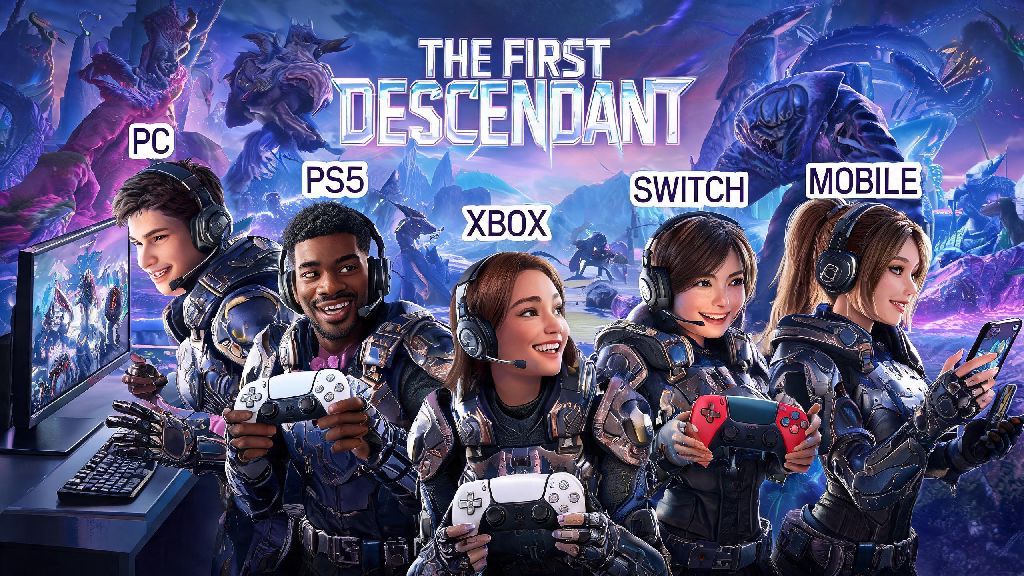
If you’ve spent hours grinding for rare Descendants and high-tier gear in Nexon’s looter shooter, you’ve probably run into one frustrating roadblock when trying to squad up with friends: figuring out how to link The First Descendant across devices and accounts. I’ve been there too, last month I spent 20 minutes scrolling through settings trying to join my friend who plays on PS5 while I was on Steam, and I missed out on a limited-time Void Intercept Battle reward because of it. This guide walks you through every step of the linking process, fixes common errors, and helps you make the most of crossplay progression once your accounts are connected.
How to Link The First Descendant Accounts Across All Platforms
The linking process works the same across all supported platforms, including PC (Steam and Epic Games Store), PlayStation 4/5, Xbox One/Series X/S, Nintendo Switch, and mobile devices. First, you’ll need a valid Nexon account if you don’t already have one; you can sign up for free directly through the game or the official Nexon website. Nexon account is the core of all linking processes, as it stores all your progression, cosmetic unlocks, and friend list across all connected platforms.
Start by launching The First Descendant on the platform you use most often, the one with the most saved progression. Go to the main menu, select the Settings icon in the top right corner, then navigate to the Account tab. Look for the “Link Nexon Account” option, and select it. You’ll get a QR code or a 6-digit code to enter on the Nexon linking page. Scan the QR code with your phone or go to the linking page on a separate device, log into your Nexon account, and enter the 6-digit code from your game screen.
You’ll get a confirmation prompt in-game that your account is linked. To add other platforms, repeat the same process on each device, logging into the same Nexon account when prompted. Always select your highest-progress account as the primary one when linking, because if you connect a second platform with existing progress, that progress will be overwritten by your primary account’s data. There’s no way to recover overwritten progress, so double-check before you confirm the link.
Common Linking Errors and Quick Fixes
Even if you follow every step perfectly, you might run into small errors that stop the linking process from working. Most of these issues aren’t caused by major account problems, they’re just small oversights that are easy to fix. Last month, I tried to link my Nintendo Switch account to my existing Nexon account, and I kept getting an “invalid code” error no matter how many times I retyped it. I eventually realized I had caps lock on when entering the code, which is a tiny mistake that a lot of players make.
Below are the most common linking errors and their simple solutions:
If you’ve tried all these fixes and you still can’t link your account, you can reach out to Nexon support directly through their help center. Make sure you have your platform ID and Nexon account email ready when you contact them, to speed up the resolution process. Most support tickets for linking issues get resolved within 24 hours.
Perks of Linking Your The First Descendant Accounts
Once your accounts are linked, you’ll unlock a bunch of quality-of-life features that make playing the game way more convenient. The biggest perk is cross-platform progression, which means all your Descendant unlocks, gear, mission progress, and cosmetics carry over across every device you play on. For example, I usually play on my gaming PC during the week, but when I’m traveling for work, I log into the same account on my iPad to knock out daily missions and claim login rewards. None of my progress is lost, and I don’t have to start from scratch on mobile.
You also get access to crossplay co-op, so you can squad up with friends no matter what platform they play on. Your friend list is stored on your Nexon account too, so you don’t have to re-add friends on every separate platform you use. Linked accounts get exclusive monthly crossplay rewards, including 1 free Descendant summon ticket and 50,000 credits, which adds up to a lot of value over time. You also get access to crossplay leaderboards, so you can compare your stats with players on every platform, not just your own.
But there are a few downsides to keep in mind before you link. As mentioned earlier, premium currency you buy on one platform won’t transfer to others. If you buy 1000 paid cubes on Steam, you’ll only be able to use them on Steam, even if your account is linked. Also, if your Nexon account gets banned for violating terms of service, all your linked platform accounts will lose access to the game too, even if you didn’t break any rules on that specific platform.
Tips to Keep Your Linked The First Descendant Account Secure
When you link multiple platforms to a single Nexon account, that account becomes the single point of access for all your game progress. That means if your Nexon account gets hacked or compromised, you could lose access to years of grind across every device you play on. The good news is there are simple steps you can take to keep your account completely secure, and they only take a few minutes to set up.
Enable two-factor authentication on your Nexon account to prevent unauthorized access to all your linked platform profiles. It only takes a minute to set up through email or a authenticator app, and it stops almost all phishing and hacking attempts. Even if someone gets access to your password, they won’t be able to log into your account without the 2FA code from your phone or email.
Other small steps you can take include never sharing your Nexon account password with anyone, even people who offer to grind for rare Descendants or premium currency for you. Don’t click on links in random in-game messages that claim to give you free limited skins or premium currency, almost all of these are phishing attempts designed to steal your login information. If you ever get an email saying your account was accessed from a location you don’t recognize, log into your Nexon account immediately, change your password, and remove any linked platforms you don’t recognize.
Linking your accounts doesn’t have to be a confusing, time-consuming process, and once you know how to link The First Descendant across your devices, you’ll unlock way more flexibility and fun in every play session. You don’t have to stick to one platform to grind for your favorite Descendant or squad up with friends no matter what device they use. Just follow the steps above, watch out for common errors, and keep your account secure to make the most of everything the game has to offer. If you have any other linking hacks that worked for you, drop them in the comments below to help other players out.