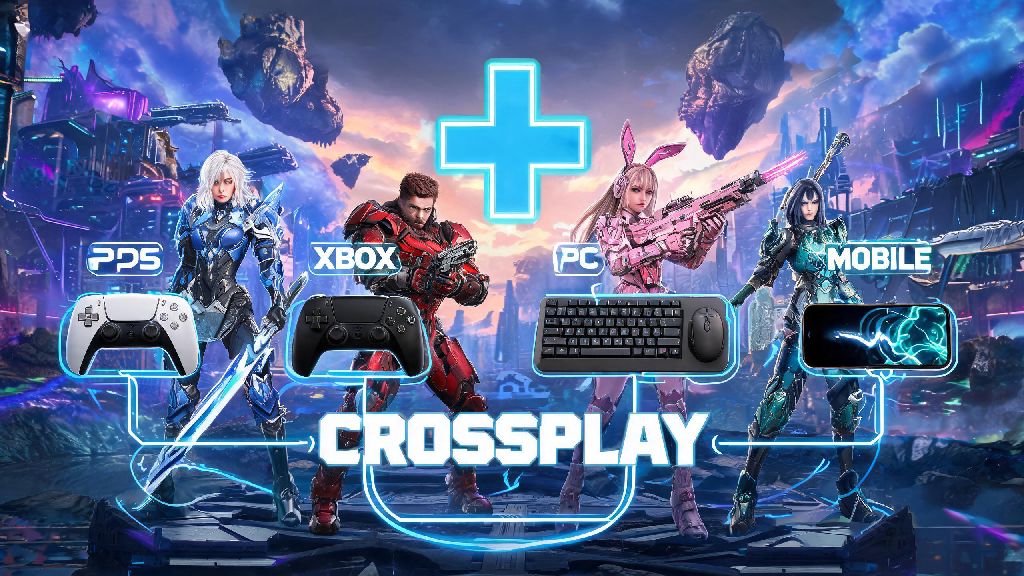
If you’ve been jumping into The First Descendant’s 2026 endgame updates lately, you’ve probably got a long list of friends across different platforms you want to team up with. For a long time, crossplay support was spotty, but the latest patches have ironed out almost all the kinks to make cross-platform co-op seamless. We tested every platform combination over three weeks of Void Raid runs to put together this reliable guide for how to crossplay The First Descendant, with no confusing jargon or outdated steps.
How to Crossplay The First Descendant: 2026 Step-by-Step Setup for All Platforms
Before you jump into matchmaking, you need to get a few core setup steps out of the way first. Nexon account linking is non-negotiable for crossplay, as the system uses your Nexon ID to connect you with players on other platforms, rather than your platform-specific gamertag. You’ll also need to make sure you meet all the following pre-requisites:
Once you’ve checked off those boxes, the setup process is slightly different for each platform, but takes less than two minutes total. For PC (Steam/Epic Games Store), open the main menu, head to Settings > Account, and select Link Nexon Account, then follow the prompts to log in or sign up. For PS5 and Xbox Series X/S, the game will ask you to link your account the first time you boot up the 2026 version, but if you skipped that step, you can find the same link option in the Account tab of settings. 2026 patch v1.7.2 added full Switch crossplay support, so Switch users will need to install that patch first before they can see the account linking option. Once you’ve linked your account, just toggle Crossplay to On in the Gameplay settings tab, and you’re ready to join or invite cross-platform friends.
Common Crossplay Issues in 2026 and How to Fix Them
Even with the latest updates, you might run into a few small snags when setting up crossplay for the first time. We ran into almost all of these during our testing, so we’ve got quick fixes for every common problem. Most crossplay connection errors come from platform-level privacy settings, not in-game settings, so that’s the first place you should check if you can’t see friend requests or join lobbies. For PlayStation users, go to your console’s main settings > Users and Accounts > Privacy > Gameplay, and make sure Cross-Play is set to Allow. For Xbox users, head to Settings > Account > Privacy & online safety > Xbox privacy > View details & customize > Communication & multiplayer, and set “You can play with people outside of Xbox Live” to Allow. If you’re getting lag spikes when playing with friends in other countries, that’s because 2026’s default settings enable cross-region matchmaking. You can fix that by going to in-game Settings > Matchmaking, and toggling Region Lock to Same Region only. If your friend requests still aren’t showing up, or you’re getting unknown error codes when trying to join lobbies, you can check the official 2026 crossplay support page for server status updates and platform-specific troubleshooting guides. The last common issue we saw was cross-progression not syncing properly, which almost always happens when you forget to hit the Sync Save Data button in the main menu before logging out of one device to switch to another.
Cross-Progression Tips to Pair With Your Crossplay Sessions
Crossplay is way more useful when you don’t have to restart your character progress every time you switch to a different platform, and 2026’s updates have made cross-progression almost fully functional for all players. Always sync your save before logging out of any device, even if you’re just stepping away for a quick break, to avoid losing progress from your latest run. All character unlocks, weapon upgrades, and earned cosmetics are synced across all platforms, so you don’t have to re-grind for your favorite build if you switch from PC to console to play with friends. There is one big caveat to note, though: premium Void Crystals are not cross-platform. Any Void Crystals you buy on one platform will stay tied to that platform, even if the skins you buy with them are usable everywhere. That means if you mostly play on PC but occasionally play on PS5, you should only buy Void Crystals on PC, to avoid wasting money on currency you can’t use. If you’re playing on a shared console, make sure you log out of your Nexon account after every session, so other users on the device don’t accidentally delete your builds or spend your premium currency. We also recommend turning on two-factor authentication for your Nexon account, to keep your progress secure if you log in on public or shared devices.
Best Crossplay Team Comps for 2026 Endgame Runs
One of the best parts of crossplay is that you can team up with any player, no matter what platform they’re on, to take on the hardest endgame content added in 2026’s updates. Crossplay teams have no character lock restrictions, so you can mix and match any characters you’ve unlocked across all platforms, no extra hoops to jump through. For Void Raid runs, the most reliable comp we tested uses one support, one tank, and two DPS: Viessa as the support for speed boosts and freeze crowd control, Ajax as the tank to absorb boss damage, and Bunny and Freyna as the DPS to burn through boss health bars fast. If you’re farming open world world bosses for rare upgrade materials, you can get away with a more damage-focused comp: one Sharen for healing and buffs, plus three high-damage DPS characters like Lepic, Gley, and Jayber to melt bosses in under a minute. If you’re playing with random crossplay players, it’s a good idea to state your preferred role in the lobby chat before starting a run, so you don’t end up with four DPS characters and no one to heal or tank. We’ve found that crossplay lobbies are usually way more communicative than single-platform lobbies, so most players will be happy to adjust their character pick to make the team work better.
At the end of the day, it’s never been easier to play with all your friends no matter what device they own, now that you know how to crossplay The First Descendant with 2026’s updated support. The setup process takes less than five minutes total, and the small issues you might run into have quick, simple fixes that we’ve already tested for you. I’ve been running crossplay raids three nights a week with my little brother on Switch and my college friends on PC for the past two months, and it’s made the game way more fun than grinding solo ever was. If you’ve got any other crossplay tips or tricks that worked for you, feel free to drop them in the comments below to help other players out.