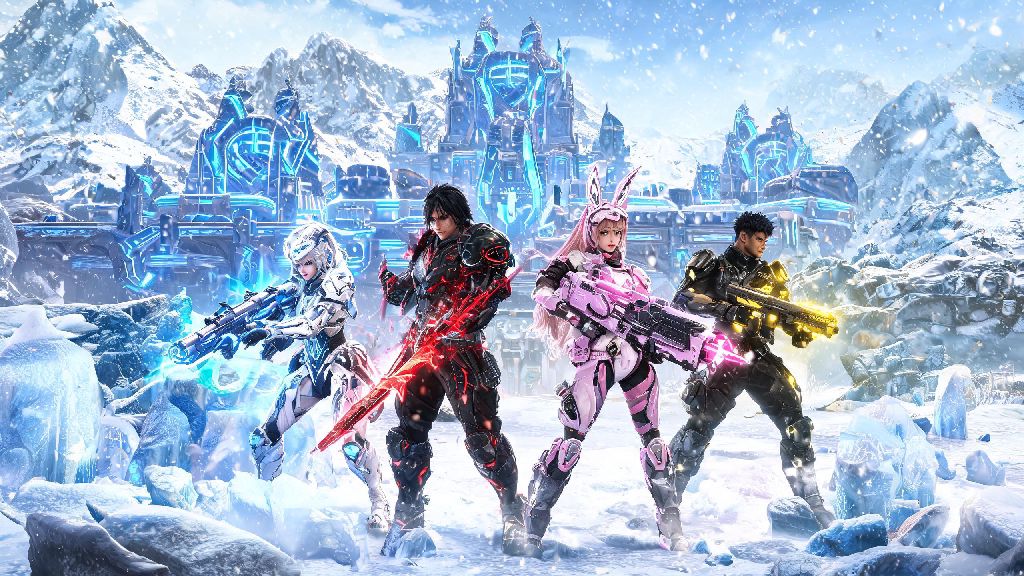
If you’ve jumped into The First Descendant’s 2026 Frost Citadel update, you already know most of the best new content — from 4-player raids to weekly world boss fights — is way more fun (and achievable) with a crew. I spent 20 minutes fumbling with the updated UI last week trying to add my Switch-playing friend to my squad, so I put together this no-fluff guide to save you the headache. Knowing how to add friends in the first descendant is non-negotiable if you want to unlock exclusive legendary loot without grinding solo for hours.
How to Add Friends in The First Descendant: 2026 Official Menu Steps
The 2026 UI refresh moved the social menu to a new spot, so even returning players can get lost at first. The process is simpler once you know where to look, and it works the same across all platforms: PC, PS5, Xbox Series X/S, and Nintendo Switch. You can either add friends via their unique 8-digit Descendant ID (the most reliable method for cross-play) or their platform-specific username if you’re both playing on the same ecosystem.
If you’re playing on Steam, Epic Games, or console, you can also import your existing platform friends list directly by clicking the Import Platform Friends button at the top of the Add Friend tab. This skips the need to type in IDs entirely, and it will automatically send invites to anyone on your list who also plays The First Descendant. I use this feature all the time when I meet people in other co-op games and want to run Descendant missions with them later.
Cross-Platform Friend Pairing Fixes for 2026 Updates
Full cross-play support rolled out for all regions in the 2026 winter update, but there are a few small hoops you have to jump through first to make it work. The most common mistake people make is forgetting to enable cross-play in their settings first — it’s disabled by default for new accounts to reduce unsolicited toxic invites from random players. You can turn it on by going to Settings > Account > Cross-Play > Toggle On, and you only have to do it once.
If you still can’t find a friend on another platform after enabling cross-play, double check that they have their profile privacy set to "Public" or "Friends of Friends". If their profile is set to private, you won’t be able to search for their ID at all, and they’ll have to send you a friend request instead. You can also ask your friend to share their unique 8-digit ID rather than searching for their username, because usernames can repeat across platforms, but IDs are 100% unique to each account.
If you run into persistent pairing issues, you can check the latest known server bugs on the official 2026 The First Descendant cross-play support page for real-time updates. The devs usually patch common pairing bugs within 24 hours of them being reported, so if you see your issue listed, you just have to wait for the hotfix to roll out.
One nice 2026 quality of life update is that your friend list is now tied to your Nexon account instead of your platform, so if you switch from PC to PS5 later, all your friends will still be there when you log in. You don’t have to re-add everyone anymore, which was a huge pain point for players who game on multiple devices before this year.
Tips for Managing Your Friend List and Inviting to Squads
Once you’ve added your friends, there are a few hidden features in the 2026 update that make managing your list and sending squad invites way faster. First, you can create custom friend groups for different types of play — I have one for my raid crew, one for casual mission runs, and one for people I met in random lobbies. This makes it easy to find the right people to play with without scrolling through 100+ names every time you log on.
To invite a friend to your squad, you don’t have to open the full social menu anymore. You can right click their name on PC, or press Triangle on PS5 / Y on Xbox, to pull up a quick action menu and send a squad invite in one click. If your friend is already in a match, you can send a join request that will pop up for them as soon as they finish their current mission, so you don’t have to sit around refreshing their status waiting for them to be free.
If you don’t want to get spammed with invites when you’re grinding solo, you can set your status to "Offline" or "Do Not Disturb" in the social menu. You’ll still be able to send invites to other people, but no one will be able to send you invites or join your lobby unless you explicitly invite them first. I use this all the time when I’m trying to grind for specific weapon drops and don’t want to get distracted.
One small tip most people miss: if you host a public squad, your friends will get priority access to join before random players. So if you’re running a raid and want to fill extra spots with randoms, you don’t have to worry about random players taking spots before your friends can join.
Troubleshooting Common 2026 Friend Invite Errors
Even with the 2026 quality of life updates, you might run into a few common errors when adding or inviting friends. I’ve run into all of these at least once, so I’ve tested every fix to make sure they work.
The most common error is "Friend Request Failed". This almost always happens for one of two reasons: either you or the person you’re trying to add has hit the 100 friend limit, or they have friend requests disabled in their privacy settings. If you hit the limit, you can delete old friends you don’t play with anymore to free up space, or ask the other person to send you a request instead if they have open spots.
Next up is the "User Not Found" error. This usually happens when you type in an ID wrong — double check that you’re not mixing up 0 and O, or 1 and I, since those are the most common typos. The 2026 update made IDs case insensitive, so you don’t have to worry about capital letters anymore, but typos in numbers and letters will still throw the search off.
If invites are not showing up at all for either you or your friend, that’s usually a server sync issue. All you have to do is restart your game, and the invites should pop up as soon as you log back in. If that doesn’t work, try switching to a different server region temporarily, then switch back to your home region to force a sync.
One last common issue for new players: you can’t access the social menu at all until you finish the first 10 minutes of the prologue. If you just made a new account, you have to complete the first mission and get to the main lobby before you can add friends or join squads.
At the end of the day, once you get the hang of how to add friends in the first descendant, you’ll be able to make the most of all the 2026 co-op content that makes the game so fun. The new raids are almost impossible to beat solo, and running missions with friends makes grinding for loot way less tedious. If you run into any issues I didn’t cover here, drop a comment below and I’ll help you figure it out.